
How to Schedule Tweets in 2025: When to Post, What to Use, and How to Do It Right
From tools to timing, this guide to scheduling tweets in 2025 helps you show up more often and connect with more people on X/Twitter.
X (formerly Twitter) moves fast. If you’ve ever opened the app only to have the tweet you’re reading refresh before you finish, you know what that looks like.
From breaking news and personal updates to memes and product launches — and everything in between — there are nearly 500 million tweets posted to the social media platform every day.
And with the option to share text posts, threads, videos, photos, and links, brands and creators have plenty of ways to show up, share ideas, and stay part of an active community.
But showing up consistently takes planning, especially when you consider that the X/Twitter algorithm loves fresh content and rewards accounts that post regularly.
Scheduling your tweets helps with that. It lets you create your best content when it works for you, then automatically publish it when your audience is online and scrolling.
You get to stay visible and consistent without being glued to your phone all day. That's a win-win!
Let's look at how to schedule tweets, why it’s worth doing, and explore a few best practices for scheduling Twitter posts.
Jump to a section:
How to schedule tweets on X/Twitter
You can schedule tweets right within X/Twitter on the web. Here's how:
- Start by opening the X website and log in to begin scheduling Twitter posts. On the menu in the left sidebar, click the Post button and compose your message.
- Write the content you want to tweet, and add any attachments.
- Then, click the calendar icon (sometimes called the schedule icon) to schedule your tweet instead of sending it immediately.
4. Next, choose the date and time you’d like to schedule your tweet to post.
5. Click Confirm, then click Schedule.
Your tweet will now be posted at the scheduled date and time.
You'll need to pick the date and time for each tweet you schedule directly from X, which means it takes a fair bit of time and hands-on work. Luckily, there are plenty of tools available to help you schedule your tweets alongside other social media content more easily.
How to schedule tweets with Buffer
You can schedule tweets ahead of time for free with a social media management tool like Buffer.
Buffer offers an alternative to X/Twitter scheduling, and you can easily add multiple tweets to your calendar and set them to post at regular intervals every day.
Here's how to schedule posts to X with Buffer from your browser.
- If you don't already have a Buffer account, you can sign up for free. It'll only take a few minutes and our free plan is free forever, no catch.
- Next, connect your X account to Buffer.
3. From Buffer, click Create Post to create a new tweet. Here, you can compose your tweets and select when you want them to be posted.
4. When you're finished, click Schedule Post and your tweet will be scheduled.
Recommended Story For You :
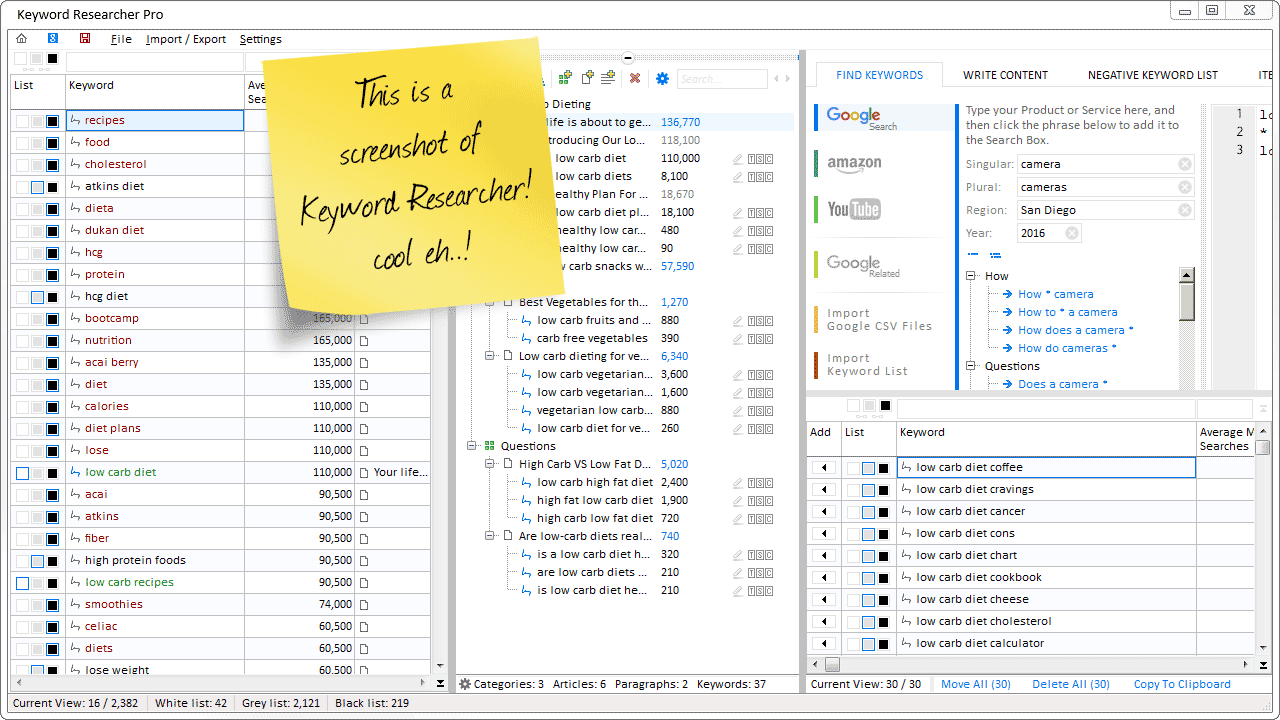
Organize Keywords and Import CSV Files from the Google Keyword Planner

The Most Affordable And Easiest User Friendly Page Builder You Will Ever Use!

Instant WordPress Theme That Matches Your Website
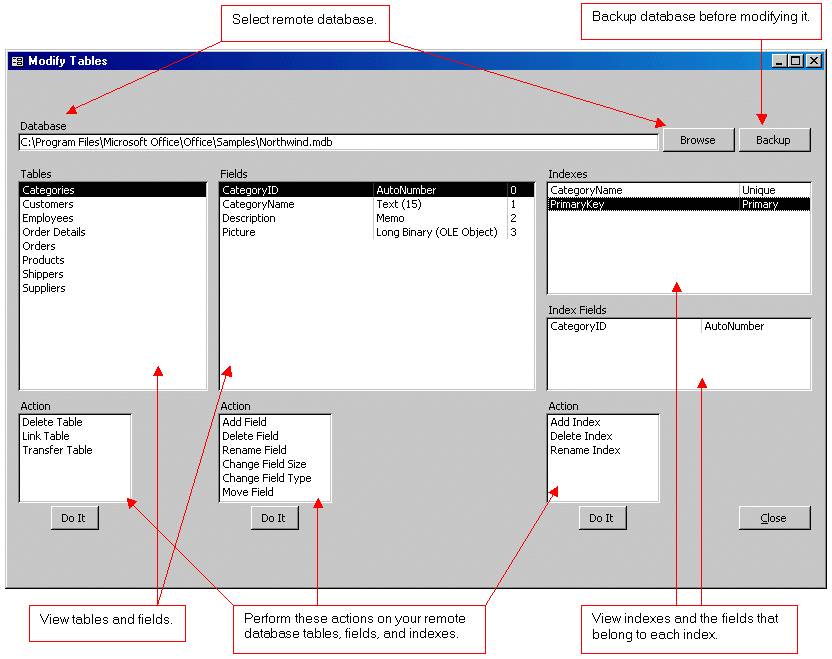
Wizard to Manage Remote Backend MS Access Database Tables Fields and Indexes

If you had an aisle-by-aisle grocery list wouldn't you spend less money on impulse items?

everything you need to create a professional corporate look mini-site is there.

Unlock Your Networking Potential with GNS3Vault
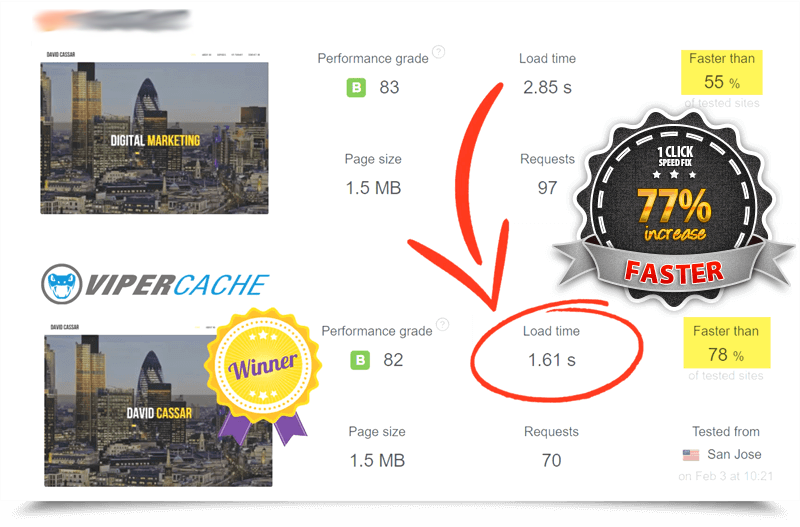
Viper Cache Was 77% Faster Than The Competetion